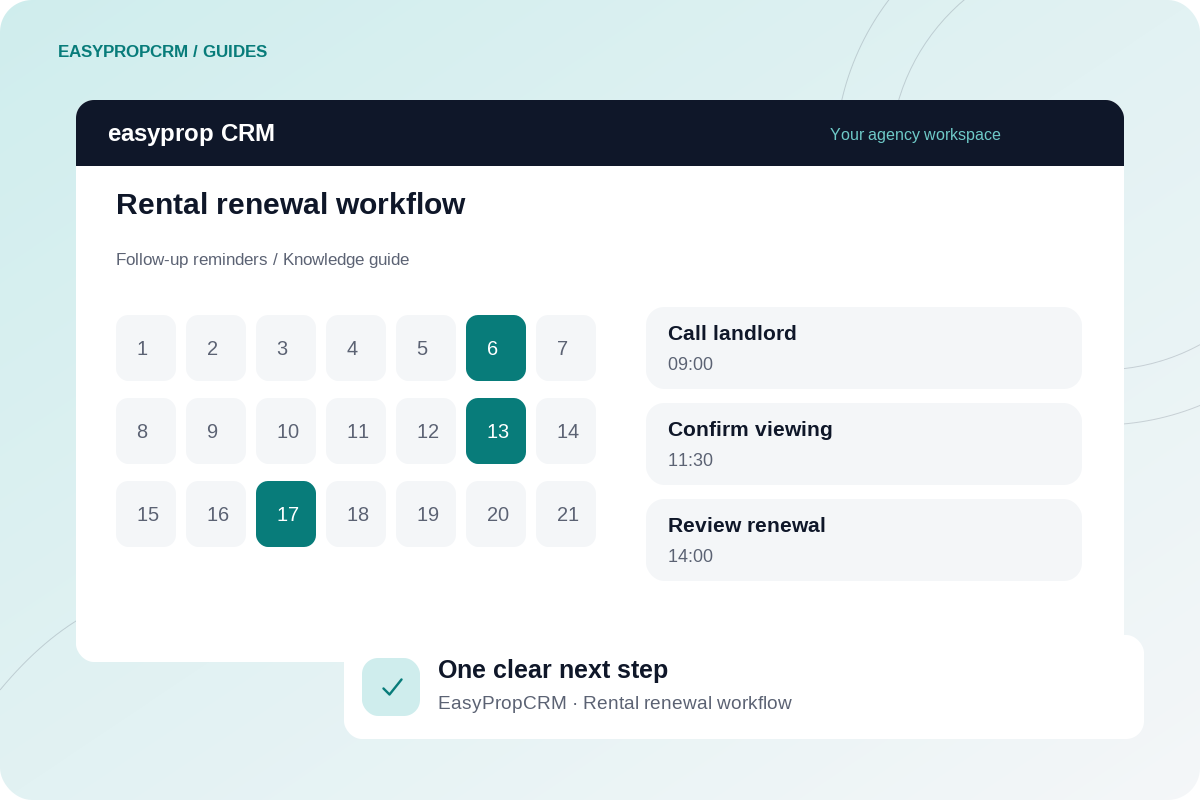
Start renewal conversations earlier
Enter the signed lease end date and use the 90-day prompt to schedule an internal discussion. Confirm who will contact the landlord and tenant through your agency process.
 Log in
Choose a lease end date and see suggested internal follow-up dates at 90, 60 and 30 days before expiry.
Choose a lease end date and see suggested internal follow-up dates at 90, 60 and 30 days before expiry.
Use the tool below, then check the result or checklist against your agreement and agency process.
How to use this tool EasyPropCRM
These dates help plan conversations. They are not legal notice dates; check the signed lease and applicable rules.
Choose one lease end date to get three internal follow-up dates: 90, 60 and 30 calendar days before it.

Example values shown. The screenshot automatically matches your screen size.
Before you startCheck the end date on the current signed lease. Your device may show the date picker in its own regional format.
Select a day, month and year in the date field. The results stay at ‘Choose an end date’ until you supply a date.
The three dates appear automatically. Use the first for an early discussion, the second for checking progress and the third for a final internal follow-up, if that suits your process.
Copy the dates into your calendar or agency task system and assign an owner. Read the planning note: these dates are not legal notice deadlines. This page does not create reminders for you.
The planner returns 1 April 2027 (90 days before), 1 May 2027 (60 days before) and 31 May 2027 (30 days before). These are calendar-day offsets, not three, two and one calendar months.
Choose a scenario for the inputs, next action and limits that apply.
Enter the signed lease end date and use the 90-day prompt to schedule an internal discussion. Confirm who will contact the landlord and tenant through your agency process.
Use the 60- and 30-day prompts as internal review points. Check your records for outstanding decisions; the planner cannot see whether a conversation or renewal has happened.
Replace the old end date with the updated date once it is confirmed. Update your external tasks too: changing this field does not change existing calendar entries.
Run one lease at a time and record the dates externally. Past end dates produce past prompts, which can help review a timeline but do not create future tasks. Weekends and public holidays are not adjusted.
The planner gives calendar offsets. Choose how your agency needs to turn those dates into work.
The free planner does not create a task. Explore CRM reminders to see how follow-ups can be assigned and reviewed by your team.
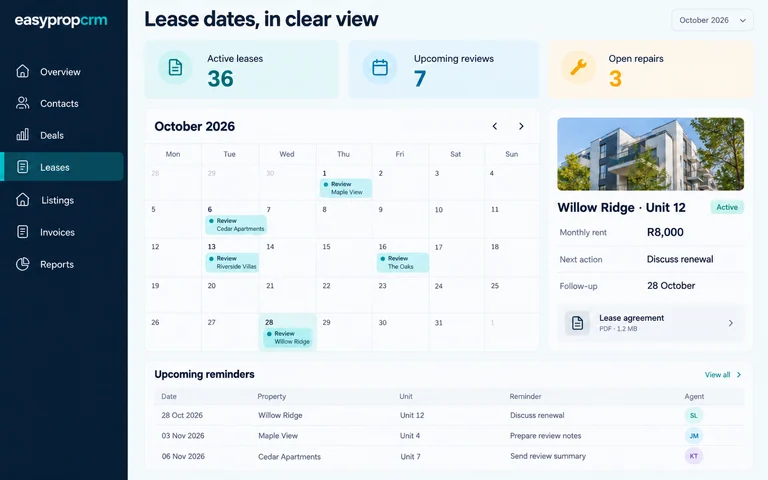
The answers behind your next decision.
Enter the lease end date. The planner calculates internal follow-up prompts 90, 60 and 30 calendar days before expiry.
They are internal planning prompts for reviewing the agreement, contacting parties and closing open points. They are not legal notice dates.
The signed lease, relevant law and your agency's process before sending any notice.
Short answers to the questions that come up after the main details.
Explore the help centreNo. They are optional internal follow-up prompts counted back from the entered expiry date.
Follow the signed lease and applicable advice; adjust the working reminders accordingly.