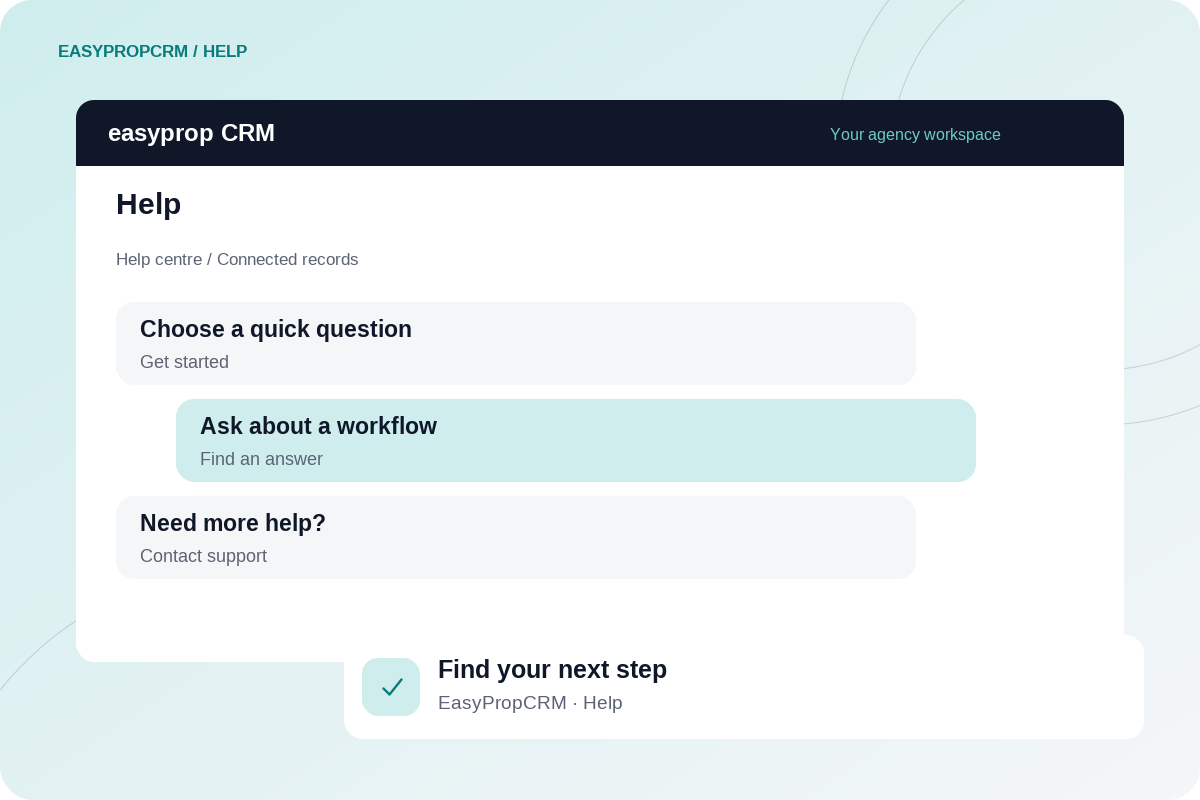
What can I ask?
Ask about contacts, estate grouping, deals, leases, invoices, onboarding or the current product scope. Browse features · Find help.
 Log in
Choose the reason for your enquiry, from a CRM demo to account or billing help. For a demo, share the task you want to test and a preferred date; EasyPropCRM will confirm availability by email.
Choose your enquiry type and tell EasyPropCRM what you need. Booking a demo? Pick a date and bring a real task from your agency.
Your preferred demo date is a request. EasyPropCRM will confirm availability by email.
The answers behind your next decision.
Ask about contacts, estate grouping, deals, leases, invoices, onboarding or the current product scope. Browse features · Find help.
Choose an enquiry type in the contact form. For a demo request, add a preferred date and the workflow you want to see. The form opens an email draft to support@easypropcrm.co.za for you to send.
Send the prepared email draft. For demo requests, EasyPropCRM will confirm whether the preferred date is available and arrange a relevant product discussion.
Short answers to the questions that come up after the main details.
Explore the help centreAgency name, team size, rental/sales mix and one workflow you want to see. Do not email customer ID documents or passwords.
Existing users can start with their agency administrator or the help centre. For unresolved account support, email support@easypropcrm.co.za.
A response-time commitment has not been set. The final contact page will show service hours and a realistic reply window before launch.
Share your team size and the task you want to test. The EasyPropCRM team can use that context to prepare a focused conversation.