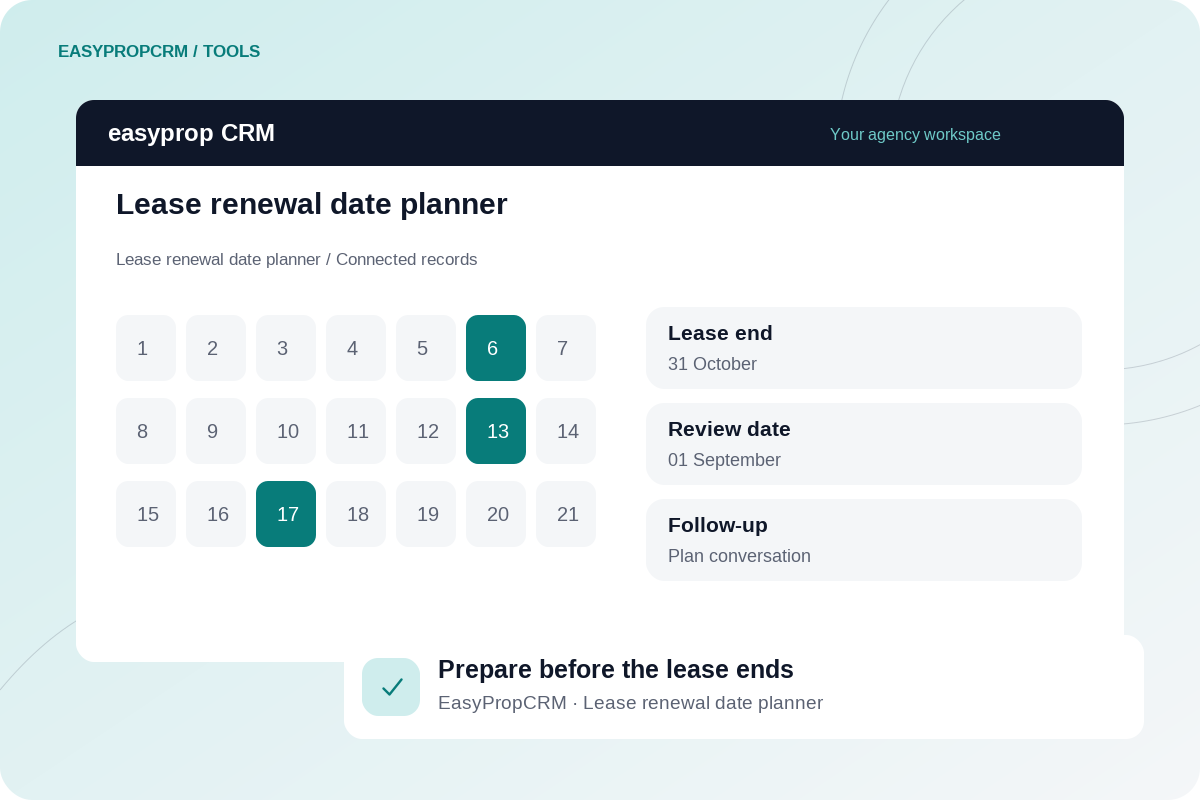
When should you begin reviewing a lease?
Choose an internal review date well before expiry, then check the signed agreement and applicable notice requirements before contacting anyone. A date planner is a prompt, not a legal notice calculation.
 Log in
Put the lease end date, people and next action where the team can see them.
 EasyPropCRM
A practical guide, one question at a time.
Choose an internal review date well before expiry, then check the signed agreement and applicable notice requirements before contacting anyone. A date planner is a prompt, not a legal notice calculation.
Check whether the tenant and landlord want to continue, proposed rent and dates, maintenance issues and who will prepare the revised agreement.
Log the conversation on the contact and update the lease only when the new terms are agreed. Set the next reminder if a decision is pending.
Short answers to the questions that come up after the main details.
Explore the help centreNo. The guide's 90/60/30-day dates are internal prompts. The signed lease and applicable rules determine legal notices.
Record proposals in notes; update the lease's agreed amount and dates after the parties approve the renewal.
One subscription for deals, billing, admin and portal syndication. See how EasyPropCRM fits your agency with a focused demo.