Estimate commission for a proposed sale
Enter the proposed price and agreed rate. Use the gross figure when discussing the mandate; the result does not establish when commission becomes payable.
 Log in
Calculate a gross sales commission estimate from a sale price and percentage, then review the agreement and tax treatment.
Calculate a gross sales commission estimate from a sale price and percentage, then review the agreement and tax treatment.
Use the tool below, then check the result or checklist against your agreement and agency process.
How to use this tool EasyPropCRM
A gross estimate before agency splits, tax and contract conditions. It is not an agent payout.
Estimate gross commission from a property sale price and a chosen rate. Use the result as a starting point for checking your mandate.

Example values shown. The screenshot automatically matches your screen size.
Before you startHave the sale price and commission percentage ready. Use the same commission basis as the signed mandate.
Replace 1200000 with the price you want to assess, in rand. Use numbers without currency symbols or thousands separators.
Replace 5 with the agreed or proposed percentage. Enter 5 for 5%, using a rate between 0 and 100. The default does not represent an industry standard.
The result updates immediately. Record the price, rate and amount together. Calculate any agency or agent splits and applicable tax treatment separately.
1,200,000 × 5 ÷ 100 = 60,000. At the same rate, a R1,100,000 price gives R55,000. Neither figure is a take-home payout.
Choose a scenario for the inputs, next action and limits that apply.
Enter the proposed price and agreed rate. Use the gross figure when discussing the mandate; the result does not establish when commission becomes payable.
Keep the sale price fixed and change the rate. Note each result to compare the gross fee difference. Fixed fees, minimum fees and tiered commission are not modelled.
Keep the rate unchanged and enter each offer price in turn. Compare the resulting commission figures alongside other deal terms. This is not a property valuation.
Calculate each potential sale separately and record the gross figures outside the tool. Account for completion risk, timing, splits and expenses separately; this tool does not forecast cash flow.
The free calculation is price × percentage. Choose the next sales question your agency needs to answer.
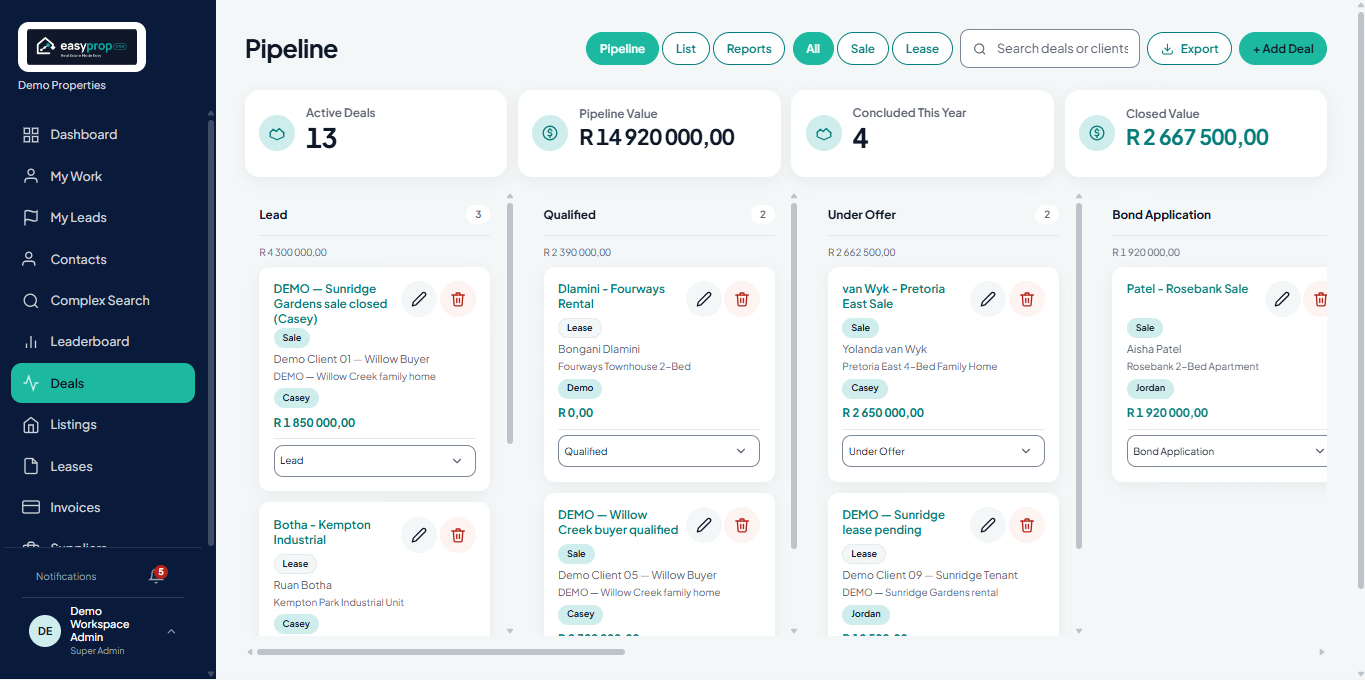
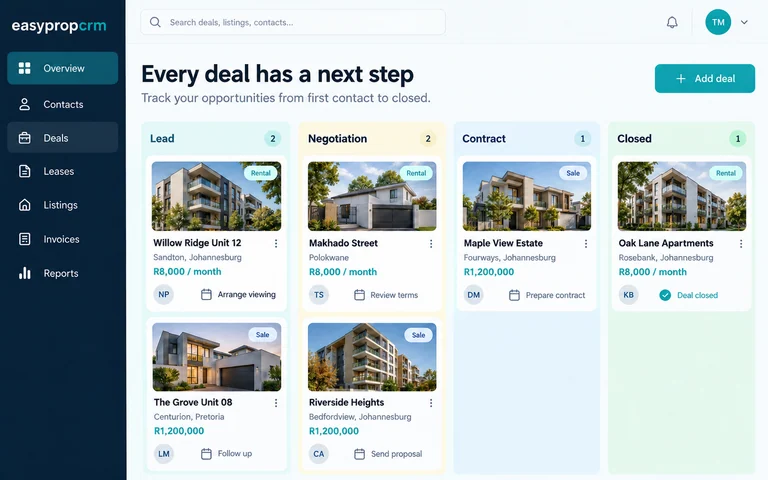
An estimate does not tell you which deal is moving or what happens next. The CRM deal pipeline keeps stages and follow-ups in one working view.
The answers behind your next decision.
Proposed sale price and commission percentage.
Gross commission = sale price × chosen percentage ÷ 100. At R1,200,000 and 5%, the estimate is R60,000 before splits or tax.
No. It is a gross estimate before any agency split, tax or contract condition.
Short answers to the questions that come up after the main details.
Explore the help centreNo. It estimates gross commission from sale price and rate; agency splits and taxes require separate inputs or calculation.
Edit the percentage and recalculate. The signed mandate or agreement controls the actual amount.