Prepare for a new tenancy handover
Start with all items unchecked and work through the six prompts with the relevant records. Use the checklist to organise preparation; it does not create a lease, receipt or inspection report.
 Log in
A practical handover checklist for contact details, signed documents, dates, keys, condition and follow-up ownership.
A practical handover checklist for contact details, signed documents, dates, keys, condition and follow-up ownership.
Use the tool below, then check the result or checklist against your agreement and agency process.
How to use this tool EasyPropCRM
This planning aid does not decide legal compliance or replace your agency's approved documents.
Work through six handover prompts, see what remains unchecked and download a text copy of the current checklist.

Example values shown. The screenshot automatically matches your screen size.
Before you startHave the lease, property reference and agency handover process available. Record actual details in your approved documents.
Confirm parties and property; check the signed lease and dates; record rent, deposit and contacts; count keys and meter readings; capture condition notes; assign the first follow-up. Tick each prompt only after completing it in your agency process.
The counter shows how many of the six prompts you checked. Tap a checked box to undo it. Unchecked items remain visible so you can assign the next action outside this tool.
Download checklist saves handover-checklist.txt with [x] for checked items and [ ] for unchecked items. Add the property reference, responsible person and dates in your own copy. Reloading the page resets the ticks.
The screenshot shows the parties/property and signed lease/date checks marked. The text download retains those two ticks and leaves the remaining four prompts open.
Choose a scenario for the inputs, next action and limits that apply.
Start with all items unchecked and work through the six prompts with the relevant records. Use the checklist to organise preparation; it does not create a lease, receipt or inspection report.
Check the steps already completed and review the outstanding keys, readings, condition notes or follow-up tasks. Use your agency’s documents for actual counts, readings and photos.
Download a partially completed checklist, add ownership and timing in the saved file, then share it through your approved channel. The tool does not assign work or notify colleagues.
Save the text file with a meaningful property reference. Download again after later changes to capture the new state. For a different property, untick all items or reload; the previous record is not retained online.
The free checklist records ticks for this session. Choose where the ongoing property work belongs.
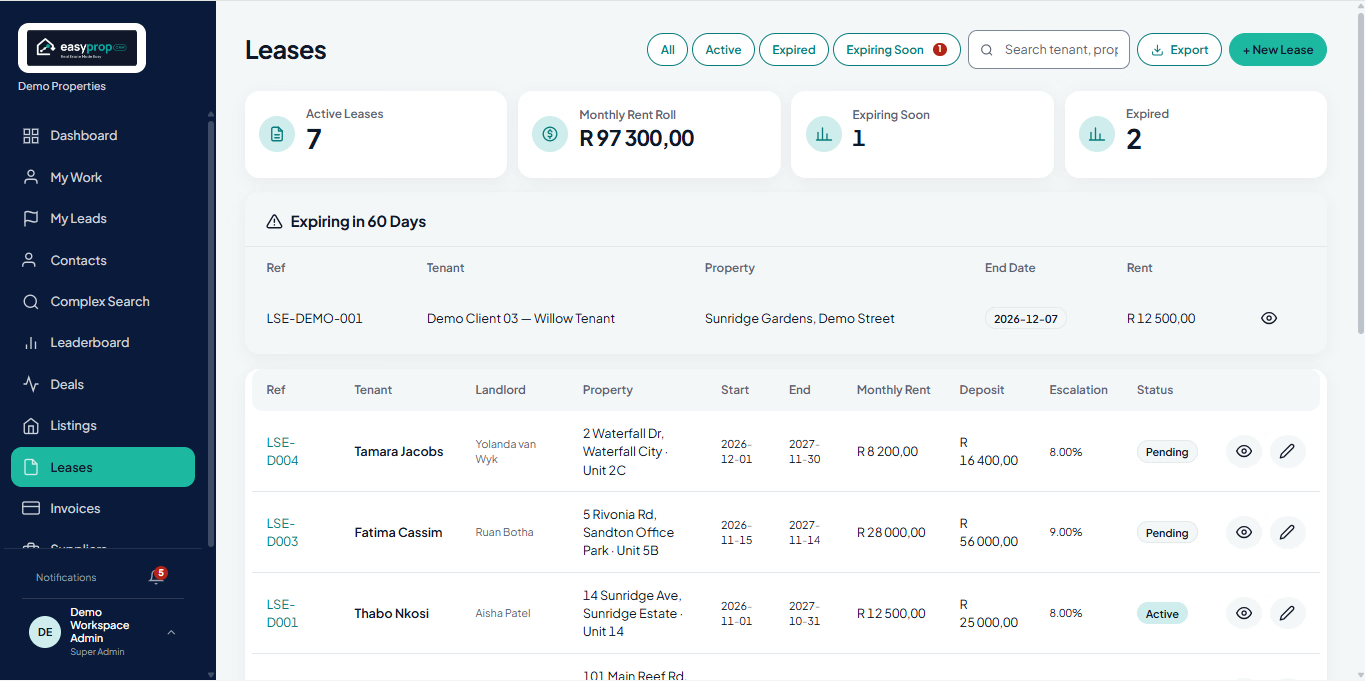
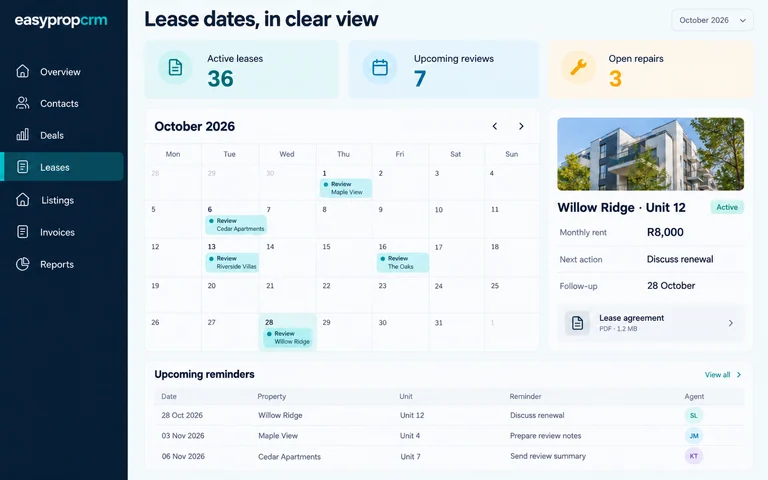
A downloaded checklist does not contain the complete tenancy record. Explore how the CRM keeps leases, dates and property details available to the team.
The answers behind your next decision.
Correct parties and property/unit, signed agreement, start/end dates, agreed rent/deposit, contact numbers and who holds the keys.
Record key count, meter readings, condition notes/photos under your agency's process and the contact for repairs.
Share the agreed handover record with authorised parties and set the first follow-up.
Short answers to the questions that come up after the main details.
Explore the help centreNo. It is a working checklist for handover details; use your agency's approved agreement and inspection process.
No. Store condition photos with the authorised property record and share only with appropriate parties.