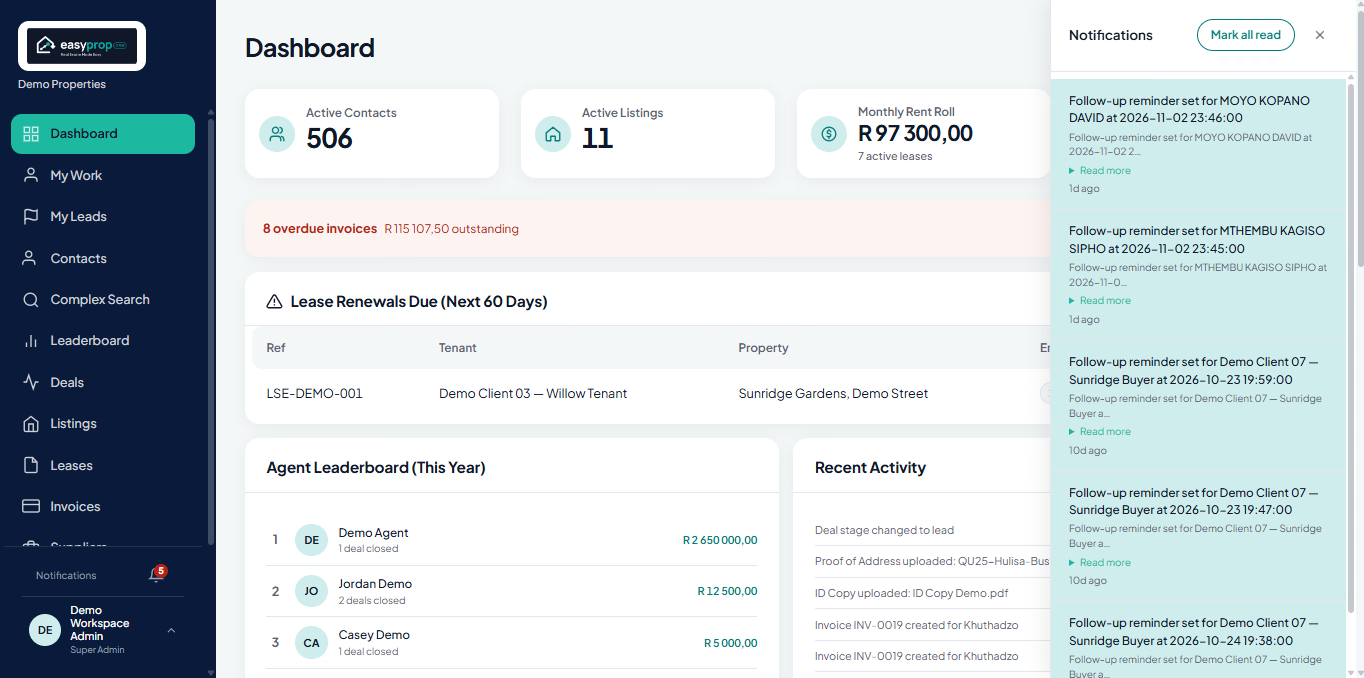
Which reminder type, date and agent do you choose?
Open the contact, choose the activity/reminder action, select a type, date and time and add a short note explaining what to do.
 Log in
Choose a follow-up type, date and time and keep the next action with the contact.
 EasyPropCRM
A practical guide, one question at a time.
Open the contact, choose the activity/reminder action, select a type, date and time and add a short note explaining what to do.
The reminder is assigned to an agent. Managers can review team reminders; check your account settings if you expect email delivery.
Log the outcome as a note and set the next action if needed.
Short answers to the questions that come up after the main details.
Explore the help centreAn authorised administrator can manage reminder types in Settings; the agent selects from the available list.
No. The guide describes an internal agent reminder, with email delivery dependent on account configuration.
One subscription for deals, billing, admin and portal syndication. See how EasyPropCRM fits your agency with a focused demo.