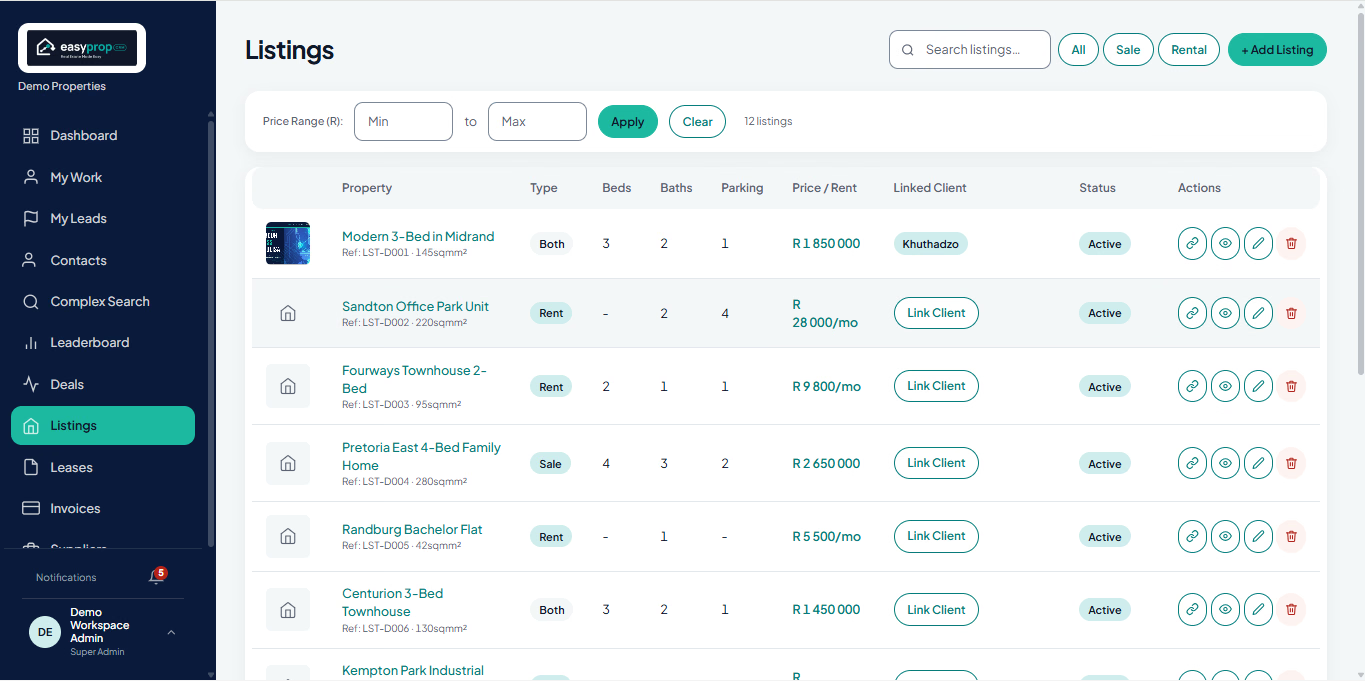
Which listing type, price and address details do you need?
Enter its address/title, sale or rental type, price, location and property details. Save before uploading photos.
 Log in
Add sale or rental inventory, attach photos and update listing status in EasyPropCRM.
 EasyPropCRM
A practical guide, one question at a time.
Enter its address/title, sale or rental type, price, location and property details. Save before uploading photos.
Add/reorder photos and update status when a property is under offer, sold, rented or withdrawn.
Link the interested contact to the listing if that option is available in your account.
Short answers to the questions that come up after the main details.
Explore the help centreThe guide says the first photo becomes the cover image; reorder photos to change it.
Portal syndication, including Property24, is included. Confirm the connected portal accounts and publication workflow during setup.
One subscription for deals, billing, admin and portal syndication. See how EasyPropCRM fits your agency with a focused demo.