
Log in
HELP / EASYPROPCRM

How to import property contacts and export reports

Test a small contact file first and check the data you can take out of the CRM.

EasyPropCRM
EASYPROCRM WORKSPACEBring your contacts in
contacts.csvCSV
Match your columns
Review the records
Check records before importing.
Every property has a story.
Explore the interface
Contact import
Contact import

EasyPropCRM product interface

EasyPropCRM contact import dialog mapping spreadsheet columns to contact, property and estate fields.
PROPERTY WORKFLOW / EASYPROPCRM
THE PRACTICAL DETAILS

How does this work in practice?

A practical guide, one question at a time.

Which headings should a contact import file contain?

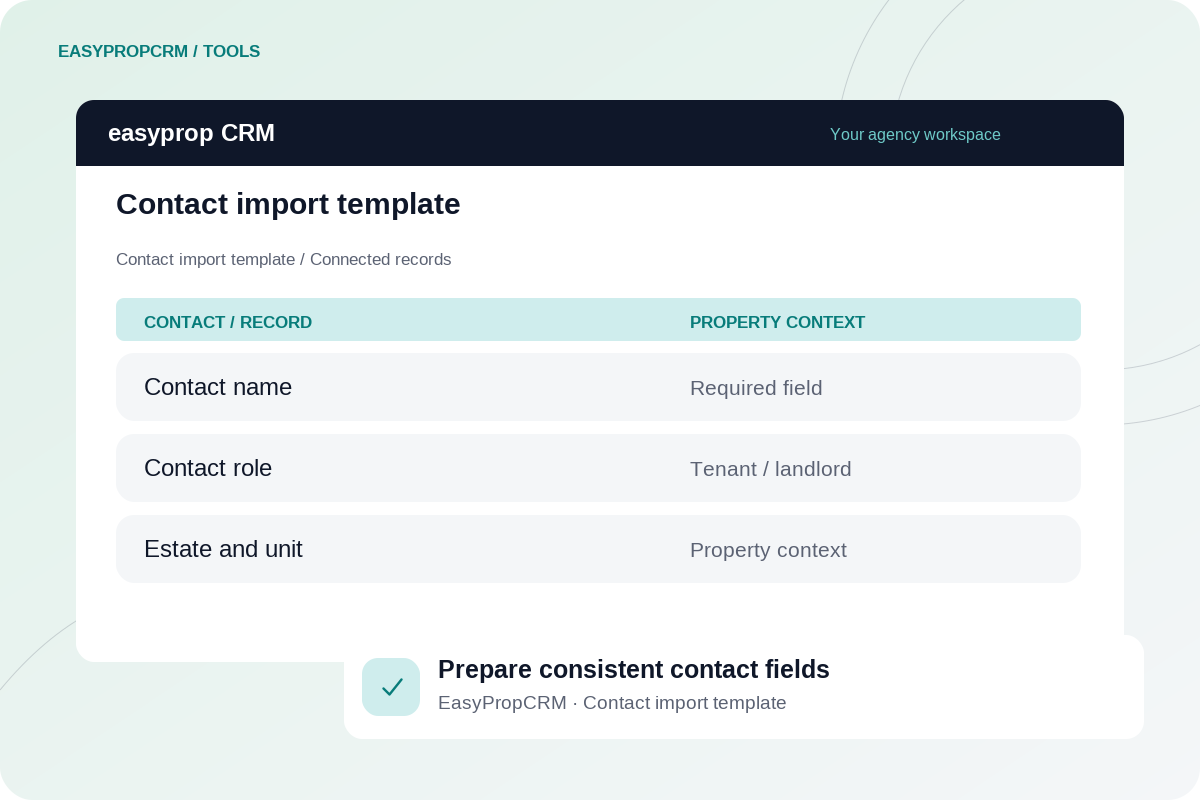
Start with the contact import template. It includes Name, Phone, Email, ID Number, Unit, ERF, Complex, Suburb and Type for preparation. The import screen requires a Name mapping and lets you map the other supported fields. It applies one default contact type to the uploaded file; it does not map the Type column row by row. Check the column mapping in the preview before confirming.

How do you check an import before confirming it?

A Super Admin should use a small sample, review the import preview and then open the resulting contacts. Search by name, estate and unit, and check contact type and assigned agent. Fix the source file before importing more rows.

How do you export a contact list or report?

Use the Contacts CSV export for tabular fields. For one person, open the full contact profile and use its print-ready report, then save to PDF from the browser print dialog if needed. Review the content and recipient before sharing it.

What other export formats should an agency test?

The current interface includes CSV actions for deals, leases and invoices, plus PDF workflows for invoices and statements. These formats may have different fields and permissions. Use the data export checklist to test the exact records your agency needs.

GOOD TO KNOW

Frequently asked questions

Short answers to the questions that come up after the main details.

Explore the help centre
Why were some imported contact rows skipped?+

Check duplicate phone numbers, missing names, the exact headings and the import summary. Try a small corrected sample before uploading the full file.

Does the Contacts CSV contain attached files?+

Do not assume that a CSV includes uploaded documents or photos. Check those separately before any migration or handover.

WHEN YOU'RE READY

Ready to see your property workflow?

One subscription for deals, billing, admin and portal syndication. See how EasyPropCRM fits your agency with a focused demo.
