How do you sign in to the agency CRM?
Open your agency's CRM address and enter the username and password provided by your administrator. If you cannot sign in, ask the administrator to check your account.
 Log in
Sign in, find your dashboard and understand which EasyPropCRM sections your role can use.
 EasyPropCRM
A practical guide, one question at a time.
Open your agency's CRM address and enter the username and password provided by your administrator. If you cannot sign in, ask the administrator to check your account.
The dashboard shows information for your role. Use the sidebar for contacts, deals, leases and other areas you are allowed to access. Agents can begin in My Work.
Open the in-app Help area for guides or use this public centre for short task answers.
Short answers to the questions that come up after the main details.
Explore the help centreAsk your agency administrator to reset it through Team. Never send your password in an email.
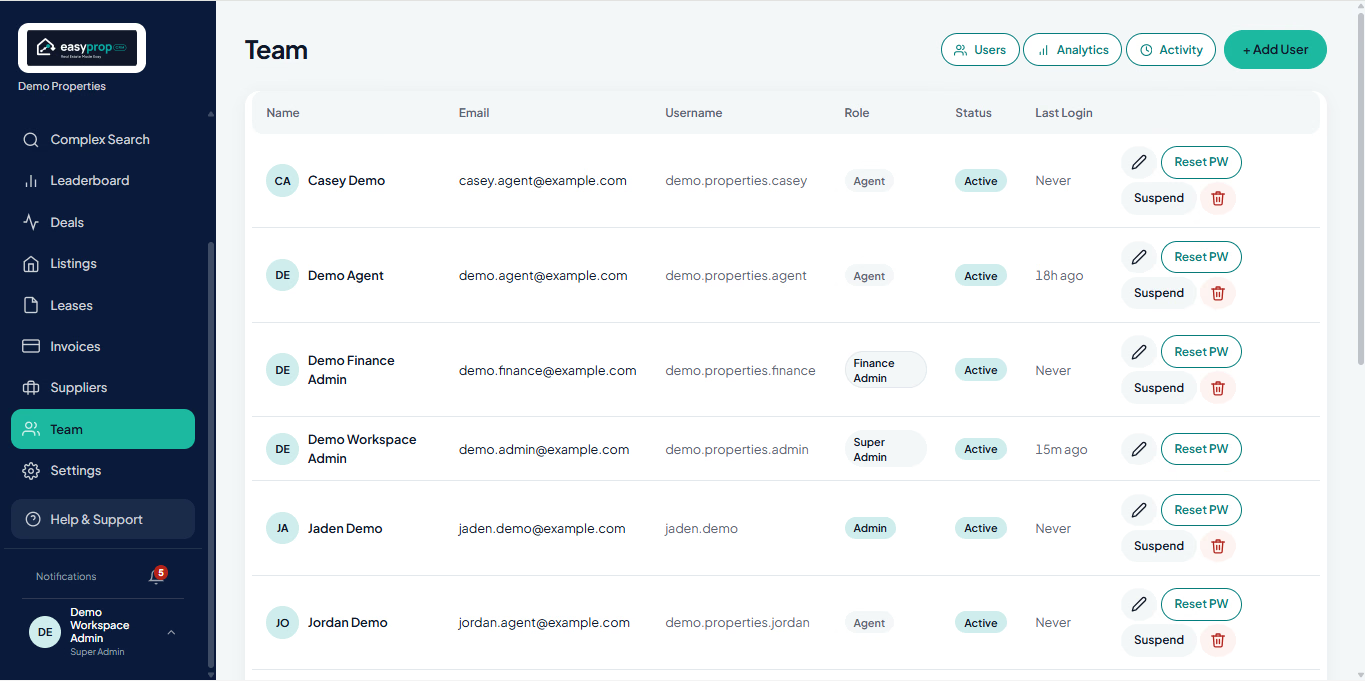
The sidebar depends on role. Agents, finance users and admins have different access. Team roles.
One subscription for deals, billing, admin and portal syndication. See how EasyPropCRM fits your agency with a focused demo.