
Log in
GUIDES / EASYPROPCRM

How to move property records from spreadsheets to a CRM

A clean first import is more useful than moving every old row at once.

EasyPropCRM
EASYPROCRM WORKSPACEBring your contacts in
contacts.csvCSV
Match your columns
Review the records
Check records before importing.
Every property has a story.
Explore the interface
Contact import
Contact import

EasyPropCRM product interface

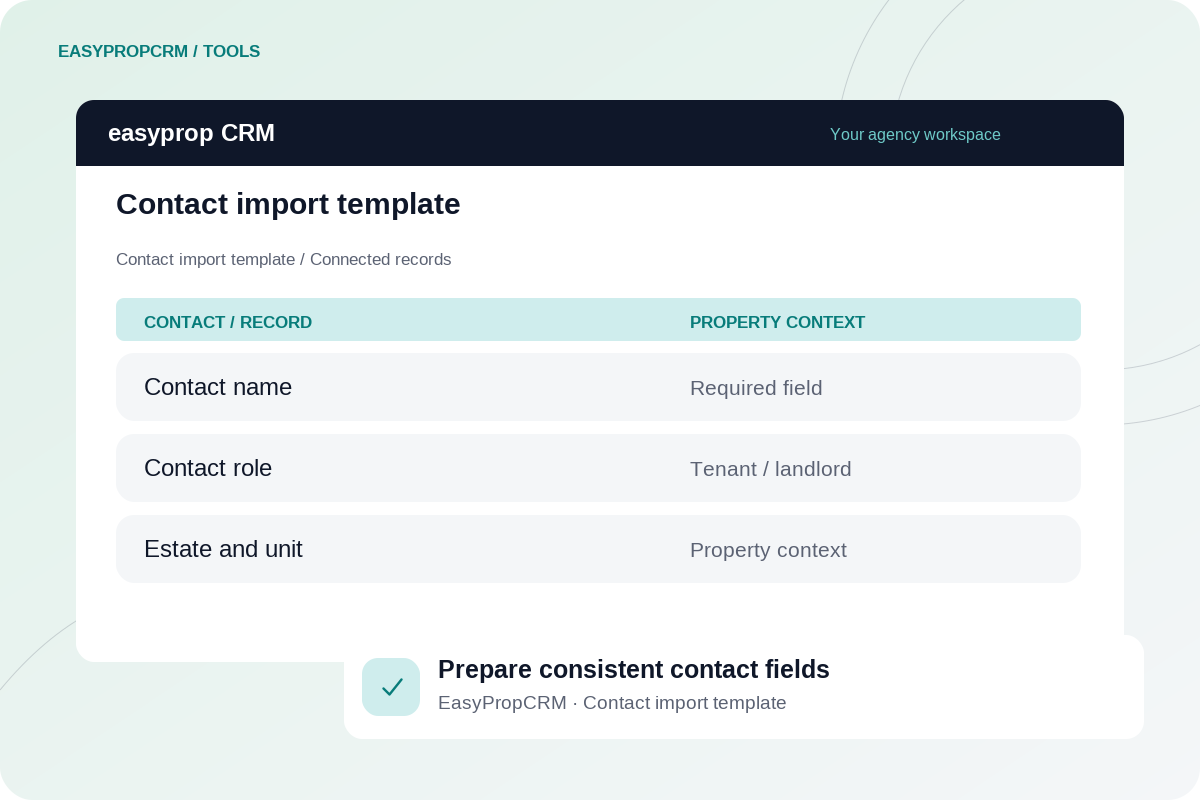
EasyPropCRM contact import dialog mapping spreadsheet columns to contact, property and estate fields.
PROPERTY WORKFLOW / EASYPROPCRM
THE PRACTICAL DETAILS

How does this work in practice?

A practical guide, one question at a time.

Which active contacts and fields should you move first?

Start with active contacts and the fields the team uses daily: name, role, phone, email, suburb, estate/complex, unit and assigned agent. Remove duplicates and keep a secure backup of the source file.

How do you test a property contact import?

Import a small sample first, open records in estate view and confirm phone numbers, units and agent assignments. Fix the sheet before importing the rest.

How does an agency keep the new CRM data current?

Agree which team member updates each record and make the next follow-up visible in the CRM. Review missing fields after one working week.

GOOD TO KNOW

Frequently asked questions

Short answers to the questions that come up after the main details.

Explore the help centre
Should we import every historic contact first?+

Start with active, useful records. Test a sample before moving old data; clean and retain any archive under your agency policy.

Who should own the first import?+

A Super Admin performs the upload, while the team checks estate names, contact roles and agent assignments. Import help.

WHEN YOU'RE READY

Ready to see your property workflow?

One subscription for deals, billing, admin and portal syndication. See how EasyPropCRM fits your agency with a focused demo.
