
Log in
GUIDES / EASYPROPCRM

A property CRM rollout plan for your agency

Start with one team and a useful set of records. Check the workflow before moving the rest of the portfolio.

EasyPropCRM
EASYPROCRM WORKSPACEDocuments to review
Identity documentUploaded
Address documentUploaded
Agency reviewPending
Document status supports your review.
Review at a glance
2 documents uploaded
Agency review pending
Uploaded does not mean verified.
Every property has a story.
Explore the interface
FICA documents
FICA documents

EasyPropCRM product interface

EasyPropCRM contact record showing FICA document status, an upload control and attached documents.
PROPERTY WORKFLOW / EASYPROPCRM
THE WORKFLOW AT A GLANCE

How can an agency roll out a property CRM in five steps?

  1. Choose the pilot

    Pick one office, estate or active portfolio. Name the person who will own setup and record quality.

  2. Prepare the records

    Clean active contacts and standardise suburb, estate, unit, role and assigned agent fields.

  3. Test a small import

    Check a handful of tenant, landlord, buyer and lead records in both estate and list views.

  4. Run real work

    Have the pilot team record notes, deal or lease changes and the next follow-up in the CRM.

  5. Review and expand

    Fix missing fields and ownership, then repeat the process for the next portfolio.

THE PRACTICAL DETAILS

How does this work in practice?

A practical guide, one question at a time.

What should an agency decide before a property CRM pilot?

Choose the portfolio, the people who will use it and the tasks they must complete. Give one administrator responsibility for setup and one person responsibility for checking data. Decide which existing spreadsheet remains the reference during the pilot, where sensitive documents are stored, and how a corrected record will be handled. This gives the team a clear way to report errors before a wider rollout.
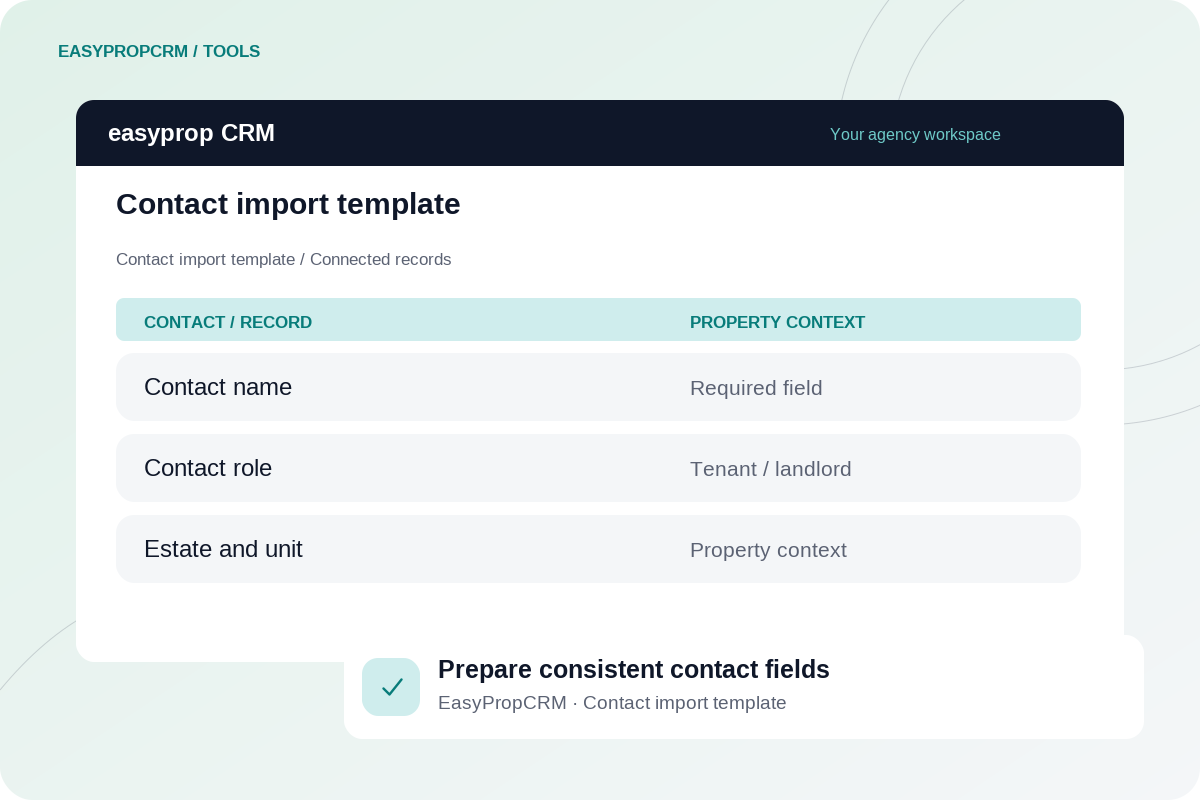

Which contacts should you import first?

Use current contacts with active deals, leases or follow-ups. Standardise names, phone numbers, suburb, estate or complex and unit. The current import screen applies one default contact type to a file, so separate records by type when that matters. Assign agents after import and keep a protected copy of the source file. A small sample is easier to inspect than an entire historical database.

How do you check that the first import worked?

Open at least one record for each contact type and estate in the pilot. Search by name, suburb, estate and unit; check the assigned agent and any dates the team relies on. Ask an agent to find the same records in My Work. Record corrections in the source sheet and rerun the check before importing more. Do not assume a successful upload means every field is usable.

How does the team move daily work into the CRM?

Give each active contact a clear owner and next action. During a real call or meeting, add a short note, update the relevant deal or lease and schedule a reminder where needed. Managers can review assignments and upcoming work. SMS and calling depend on separate provider setup, so keep the team's existing communication channels until those functions are confirmed for the agency.

When can the agency retire the old spreadsheet?

Review a week of pilot work first. Check whether people can find records, whether assignments are accurate, and whether the next action is visible. Confirm that needed records and exports can be retrieved, then document where the legacy file will be retained under the agency's policy. Expand one portfolio at a time; keep a clear owner for corrections.

GOOD TO KNOW

Frequently asked questions

Short answers to the questions that come up after the main details.

Explore the help centre
Must every historic contact be imported at once?+

No. Start with active records and a small sample. Keep older data under your agency's retention process until you have checked what is needed.

Who should perform the first contact import?+

The CRM knowledge base assigns imports to a Super Admin. Have working agents check the imported records they will use.

Does a CRM rollout automatically enable SMS, calling or portal publishing?+

Portal syndication is included. Calling is billed per minute and bulk SMS per message; confirm agency connections and usage rates during setup.

WHEN YOU'RE READY

Ready to see your property workflow?

One subscription for deals, billing, admin and portal syndication. See how EasyPropCRM fits your agency with a focused demo.
